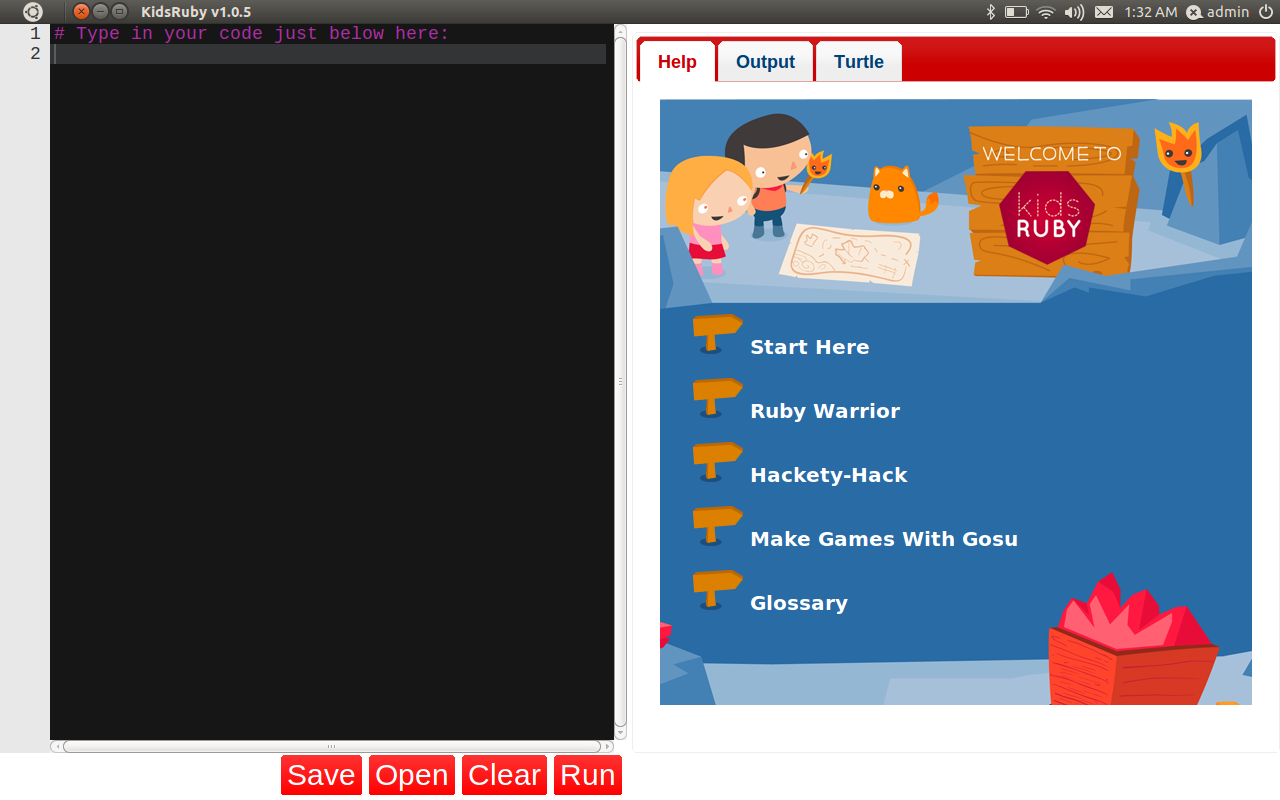
I have two kids, and I have been wanting to find ways to introduce my kids to programming. Especially for my son, who has asperger syndrome. I thought programming would be a good way to use his interests in logic and mathematics to good use.
I was so much in joy when I found KidsRuby. It’s an awesome project. I think Ruby is a great first language because of its elegance and object-oriented nature to the core.
Previously I had a hard time installing KidsRuby my Mac OS X, due to qt installation error. I was able to at least get it going by cloning their git repository. I had filed a bug for the qt installation error, and the author responded some time ago, but I hadn’t had time to verify it.
I finally had time to verify it, and it worked like a charm.
I also had converted two first-generation Google Chromebooks to use Ubuntu to give to my kids. And while I was familiar with Fedora, this was my first time using Ubuntu, and as new user, I had to search around the net to install Ruby and to install KidsRuby. I am close to finishing it, and I will describe it here.
Mac OS X#
This one is pretty easy. Just download the installer dmg file from here, and follow the instruction. It will take a while, but it would be well worth it. You can find the KidsRuby folder in Application folder.
Ubuntu#
Now, this one took a while. If you have Ruby installed already, you are good to go. If not, follow the direction below.
If Ruby isn’t installed#
You can simply follow the direction from Ryan Bigg to install Ruby 1.9.3.
If Ruby is already installed#
I am not sure which version of Ruby is supported, but this applies to Ruby 1.9.3.
The biggest problem I faced was the problem with ffi gem. I kept getting the following error.
Installing ffi (1.0.10) with native extensions
Gem::Installer::ExtensionBuildError: ERROR: Failed to build gem native extension.

        /usr/bin/ruby1.9.1 extconf.rb
:29:in `require': no such file to load -- mkmf (LoadError)
	from :29:in `require'
	from extconf.rb:4:in `'

Gem files will remain installed in /usr/share/kidsruby/ffi/ruby/1.9.1/gems/ffi-1.0.10 for inspection.
Results logged to /usr/share/kidsruby/ffi/ruby/1.9.1/gems/ffi-1.0.10/ext/ffi_c/gem_make.out
An error occured while installing ffi (1.0.10), and Bundler cannot continue.
Make sure that `gem install ffi -v '1.0.10'` succeeds before bundling.
After searching the net for a while, I realized that I needed to install “-dev” package as well. Since I am using 1.9.3, I had to install ruby1.9.1-dev.
sudo apt-get install ruby1.9.1-devAfter that you can clone the git repository and install necessary packages.
git clone https://github.com/hybridgroup/kidsruby.git

cd kidsruby

sudo apt-get install libqt4-dev
sudo apt-get install cmake
gem install qtbindings
bundle install
The bundle install part will take a while.
For the lesson part, I had a surprising result - my son totally lost interest very quickly, but my daughter was more into it. :)